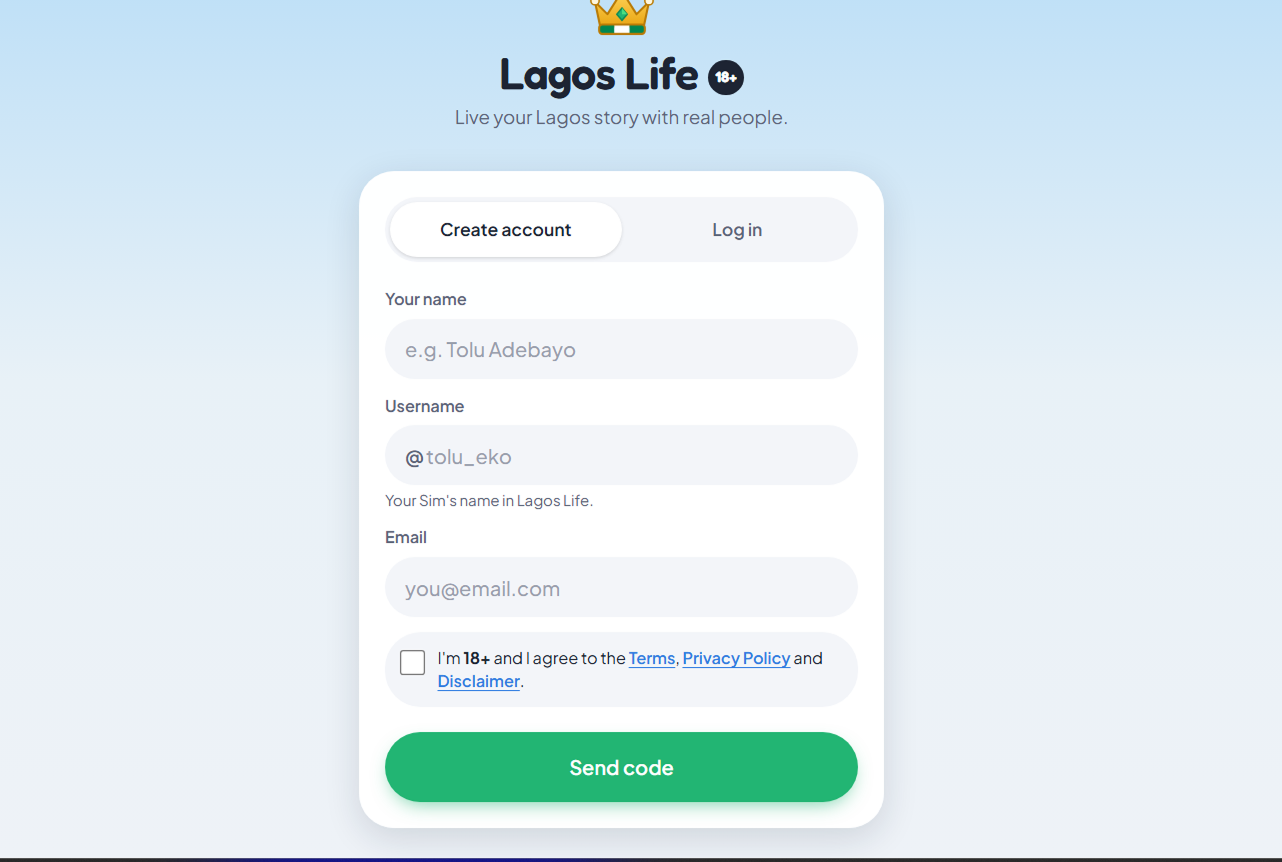
Both addresses below returned the same game page on 4 October 2026. That confirms the public entry pages — it is not a logged-in test of how accounts behave across both domains.
| Address | What was verified | How to use it |
|---|---|---|
| lagoslife.app | The current branded game entry. It also hosts the game's Terms of Service and Privacy Policy. | Use this address as your normal starting point |
| lagoslife.eliysites.com | An older entry address; its page matched the current game page in this check | Recognise it if you follow an older shared link |
| This page | An unofficial explanation of the addresses | Use the game link above to actually play |
What you should see after opening the link
The official page identifies itself as Lagos Life — live your Lagos story. While it loads you may see the city, or an invitation to sign up or log in. You need an account to join the saved, shared game.
The site's Terms of Service name Eliy (eliysites.com) as the operator and require players to be 18 or older. The official statistics page credits Shalom Rayhamen and links to @Shalom_HeyEliy. Those details are a handy ownership check when several sites use a similar name.
This is a browser game. Downloading a file is not part of the verified way in. If you want a home-screen icon, use the browser installation steps after you reach the official page.
Sign up or return to your existing life
For a new account, use the official sign-up form. It asks for a name, username, password, an optional recovery email and agreement to the age requirement and terms. After registering you continue through character creation — the beginner walkthrough explains those choices.
For an existing account, choose Log in with the same username and password. Stick to one official address while troubleshooting so browser sessions on different domains do not confuse things. Do not create another account just because an older shared link opens a login form.
If the link opens but login fails
- Check the address bar. Go back to lagoslife.app if the link took you somewhere else.
- Leave the social app's browser. Use Open in browser, or paste the address into Safari or Chrome. The game itself recommends this for fuller browser support.
- Read the actual error. A username problem, a password problem and a connection problem each need a different fix.
- Use Forgot password? when it applies. Email recovery only works if an email is attached to the account.
- Use the verified support channel if it keeps failing. The developer's login and sign-up announcement directs these issues to [email protected]. Send the error and your username — never your password.
If the page does not load at all, check your connection and retry the root game address. A stalled page on its own does not tell you whether the cause is your device, your network or the service, and this guide does not show live server status.
How to check a Lagos Life link before sharing it
Share https://lagoslife.app/ for the current game entry. Read the hostname in the address bar, not just the words on a button — another site's title can also say "Lagos Life". The older Eliy address is supported by the entry-page check above, but unverified spelling variations should not be treated as official.
The game is in active development under its terms. If an old guide's instructions do not match what you see, the correct address is the first thing to confirm — not a guarantee that every feature is working right now.